Role
- Student Project
Tools
- Photoshop
- Premier Pro
- Adobe Dimension
Deliverables
- 3 looping animated GIFs suitable for a Twitter campaign advertising a fictional horror movie, each showcasing a different technique, but with a cohesive style.
Project Overview
The brief for this assignment was to create looping GIF(s) in Photoshop advertising a product/project of our choosing. The GIF(s) had to demonstrate our technical skill with a wide range of techniques while remaining thematically cohesive.
I had noticed the film distribution company A24 used GIFs in their Twitter marketing campaigns, so I set out to create a marketing campaign for a fictional A24 horror movie titled “So Great a Cloud of Witnesses.”
To keep thematic unity, I decided that each of the GIFs should feature a subject who is staring out at the viewer. This felt in line with A24’s cryptic, viral marketing style.
Technique 1: 3D Animated Typography
I started with a stock image of a man in a darkened room, which I imported into Adobe Dimension.
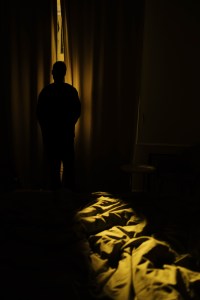
I used Dimension to create my 3D Typography, which I illuminated with a light created to match the dark, warm lighting of the stock image coming through the window, which backlights the figure.
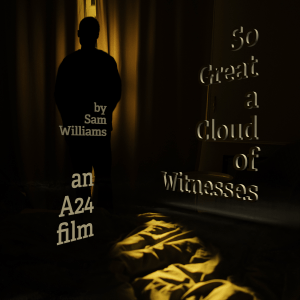
Then I create a pair of contrasting cool light sources in Dimension that would serve as the supernatural eyes of the figure. I wanted to convey an image of a man whose eyes illuminate like flickering car headlamps, staring directly at the viewer and lighting up the typography.
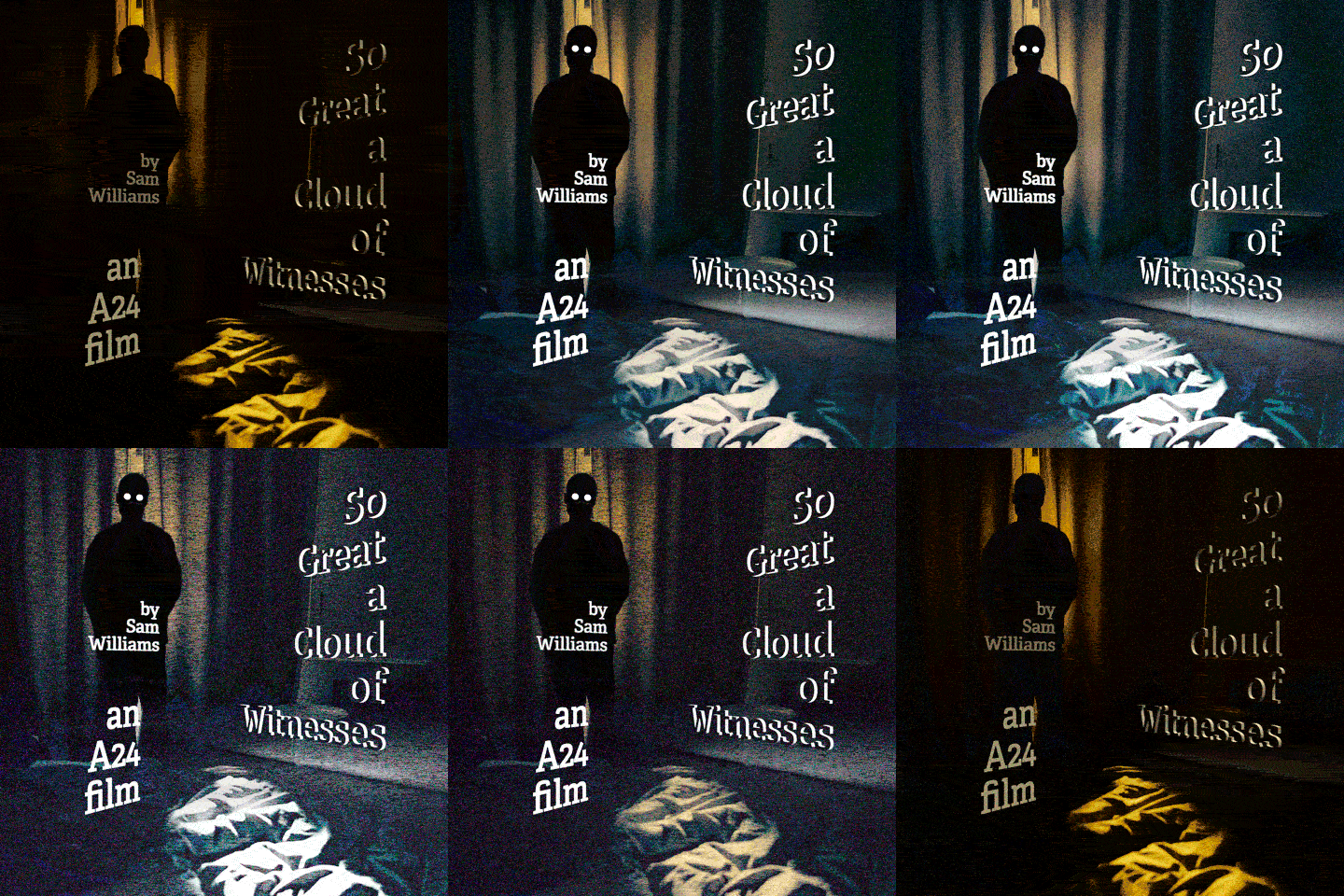
To create a flickering effect, I created a series of edits of the original background image lit with progressively brighter and cooler light in Photoshop. I used each of these images as backgrounds to the 3D typography lit by progressively brighter ‘eye-lights’, and rendered out a series of composites that would serve as the frames of my animation.
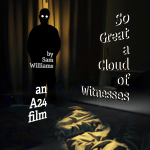
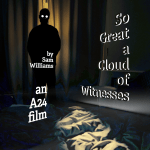


Finally, I pulled all my frames into Photoshop’s frame animation timeline. I wanted to convey a sense of reality breaking in a supernatural way as the ‘eye-lights’ flickered on, so I animated a noise effect that highlights the central figure and increases in intensity after the ‘eye-lights’ come fully on.
Final Render
Technique 2: Video Editing with Masks
I started with a piece of stock footage of a woman standing behind a ripped plastic tarp and slowly blinking at the camera.
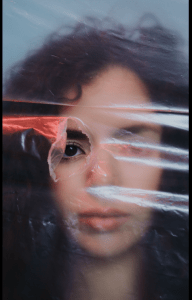
I stabilized a portion of the footage in Premier Pro so that it would be easier to mask in Photoshop.
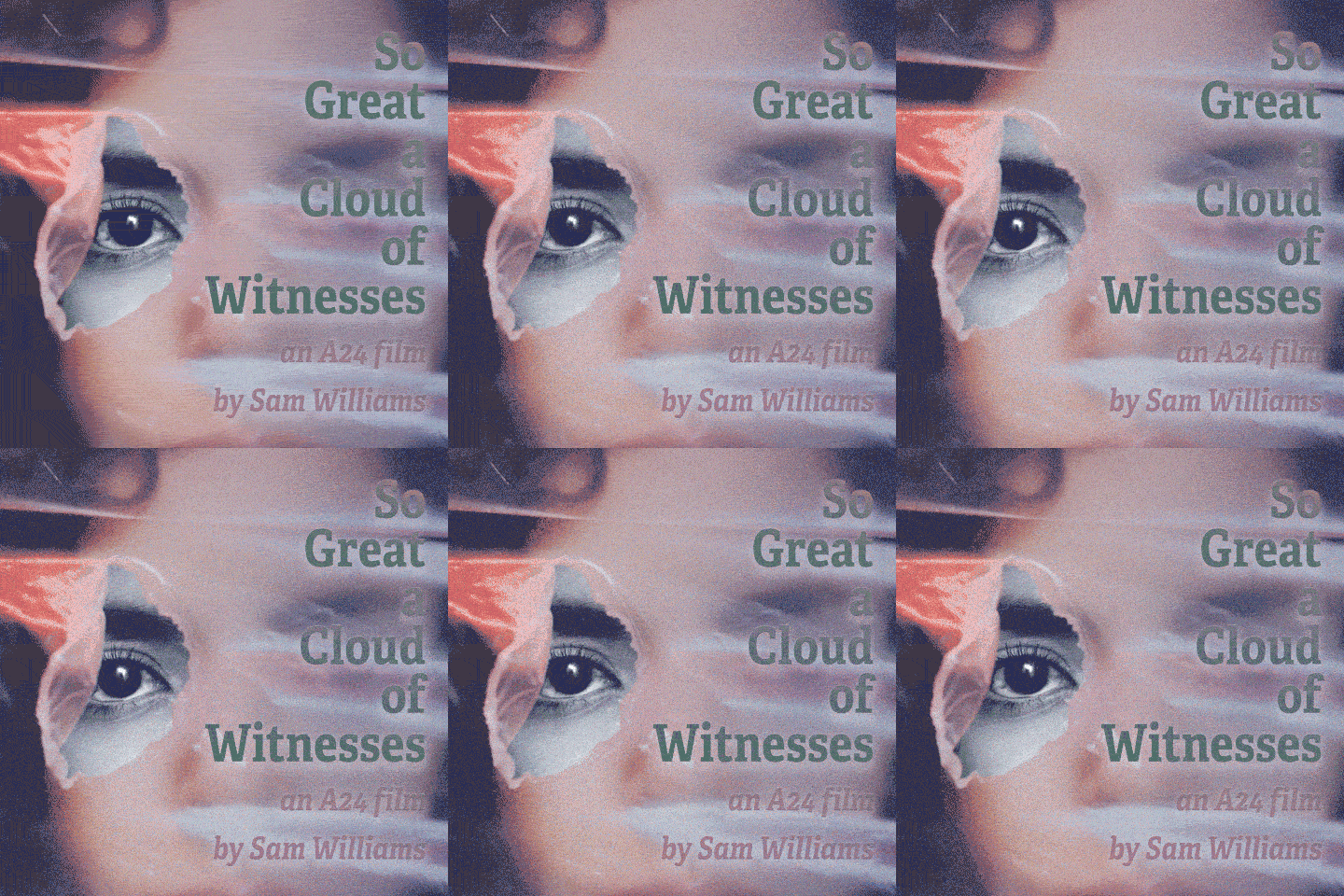
I then created a mask of the eye portion of the video so that I could edited its appearance separately. I tried to create a sense of something piercing the ‘mortal veil’ and staring through at the viewer.
To highlight the subtle movement of the face, I put my typography in a blend mode which would cause its colors to shift as the face moved beneath them.
Final Render
Technique 3: Video Compositing
I started with a short stock GIF demonstrating the Photopupillary reflex.
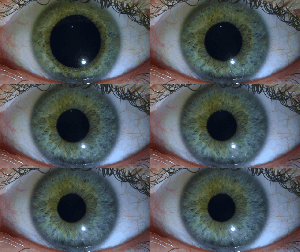
I imported this into Photoshop as a frame animation, duplicated the frames, and reversed the duplicates to make the GIF seamless. I then created two time-staggered versions of this animation so that one pupil would be dilating while the other was the contracting.
I used these animations to create a pattern of eldritch eyes focusing and un-focusing on the viewer, and overlaid my typography over that pattern.
Final Render

Reflections & Takeaways
This project was strange. I don’t normally think of Photoshop as a video editor. Animating in Photoshop forced me to consider new workflows as I tried to cater to the strengths of the program.
Whenever a project challenges my established methods of design, I get really excited. Doing something novel always results in new understandings that I can use to improve my standard workflow.
 paul stanton